
Feature guide
Document Scanner
Use My PDF Scanner for Document Scanner with camera capture, file imports, page cleanup, folders, and clean PDF export.
Built for
IDs
Letters
Business paperwork
Workflow
From paper or file to a clean PDF
01
Capture or import
02
Clean pages
03
Organize files
04
Export and share
Details
What this page covers
Camera scanning
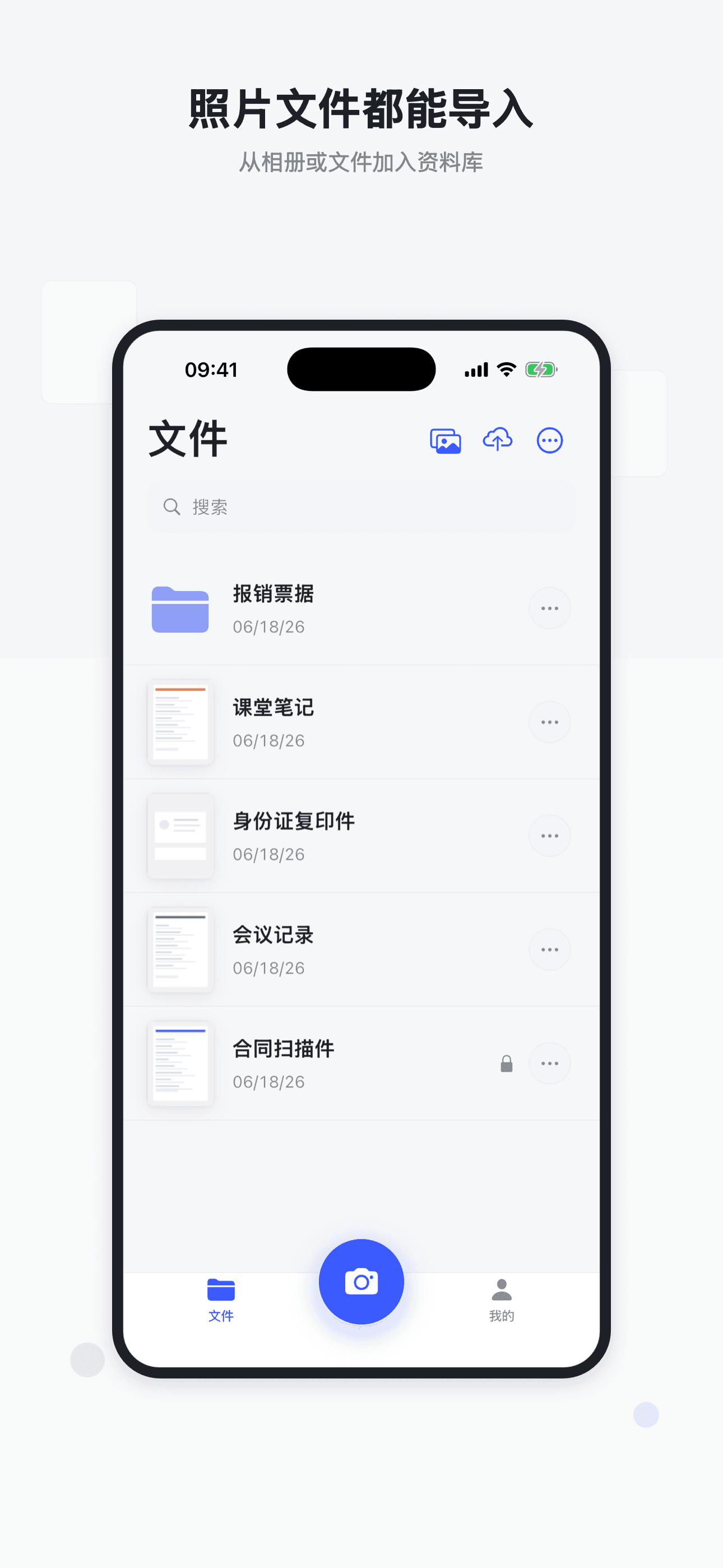
Photo import
iCloud import
Folders and search
Capture from more places
Start with the camera, photos, iCloud files, or an existing PDF without changing tools.
Clean up every page
Crop edges, adjust perspective, apply filters, rotate pages, reorder pages, and add signatures where needed.
Keep documents ready
Use folders, search, sorting, batch actions, in-app password protection, and export options to keep follow-up work simple.
Explore more
Related scanner workflows
FAQ
Is this only for camera scans?+
No. You can capture from the camera, import photos, bring in iCloud files, and manage existing PDFs.
Can documents be organized after scanning?+
Yes. Use folders, sorting, search, and batch actions to keep documents easy to find.
Download